A Chrome extension that replaces Ctrl+F when you need to search for many terms at once. Think “ERROR”/“WARNING” in logs, or “JavaScript”/“Machine Learning”/“AI” across resumes.
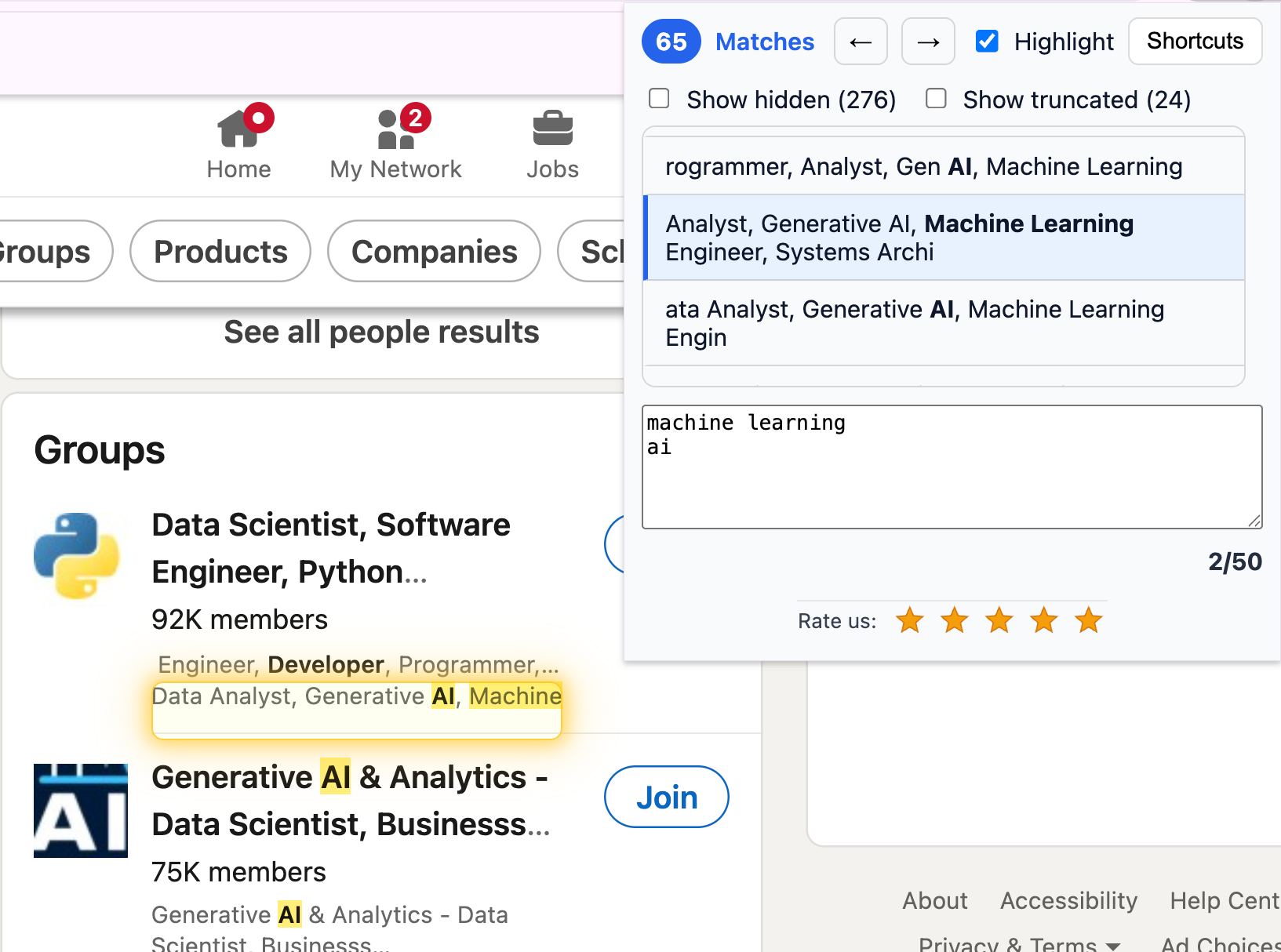
Key Features
- Multi-keyword search: Drop in a list of terms and highlights bloom instantly across the page
- Hidden content detection: Finds matches even in collapsed sections, accordions, and tabs—click to reveal and scroll
- Fast: Uses CSS Custom Highlights API—no injected wrappers, no layout shifts, works on huge pages
- Badge counts: The extension icon shows match counts, so you can scan multiple tabs at a glance
- Keyboard-first: Open with
Ctrl+Shift+F, navigate withH/K, all shortcuts rebindable - Privacy-first: Everything runs locally in your browser—no accounts, no cloud, no tracking
Who It’s For
- Recruiters scanning pages for skill names across many resumes
- Researchers and students jumping through docs where fancy layouts defeat standard find
- Developers scanning web logs for “WARN” and “ERROR” and “ThisSuspiciousClass” simultaneously
Technical Approach
The extension leverages the native CSS Custom Highlights API instead of injecting wrapper elements like <span> or <em>. This means:
- No layout shifts or jank even on massive pages
- Works reliably on dynamic SPAs (LinkedIn, Jira, Confluence, etc.)
- Cross-frame support—matches inside iframes are revealed from the top page
- Memory-light with low CPU overhead
Links
- Chrome Web Store — install the extension
- highlighterextension.com — extension website
- Blog post — technical deep-dive and design decisions