Fast PDF to PNG. Zero upload.
A privacy-first converter that turns PDF pages into PNG images directly in your browser. It is available both as a web app and as a Chrome extension side panel.
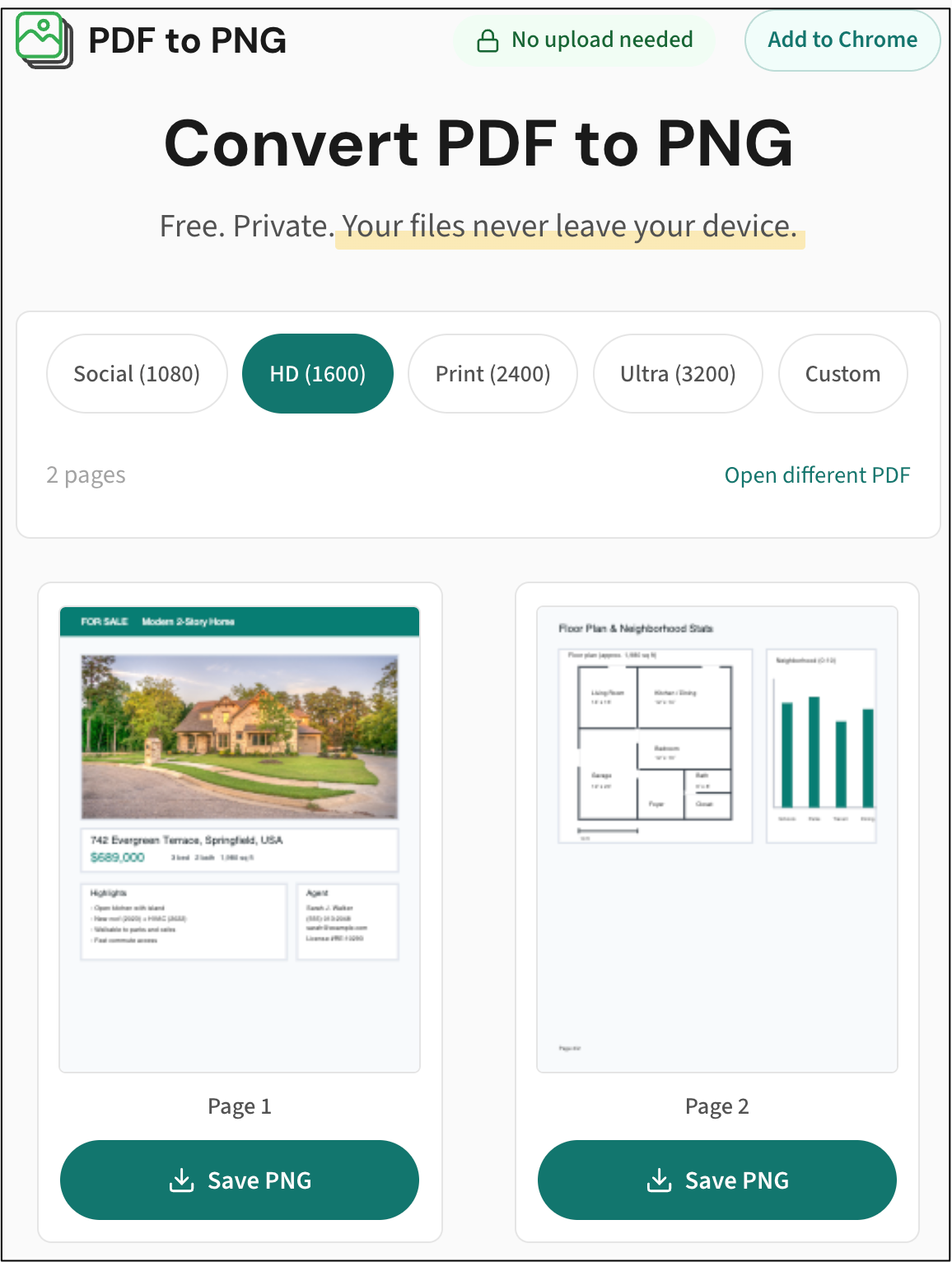
Web app flow: open a PDF, preview pages, save PNG files locally.
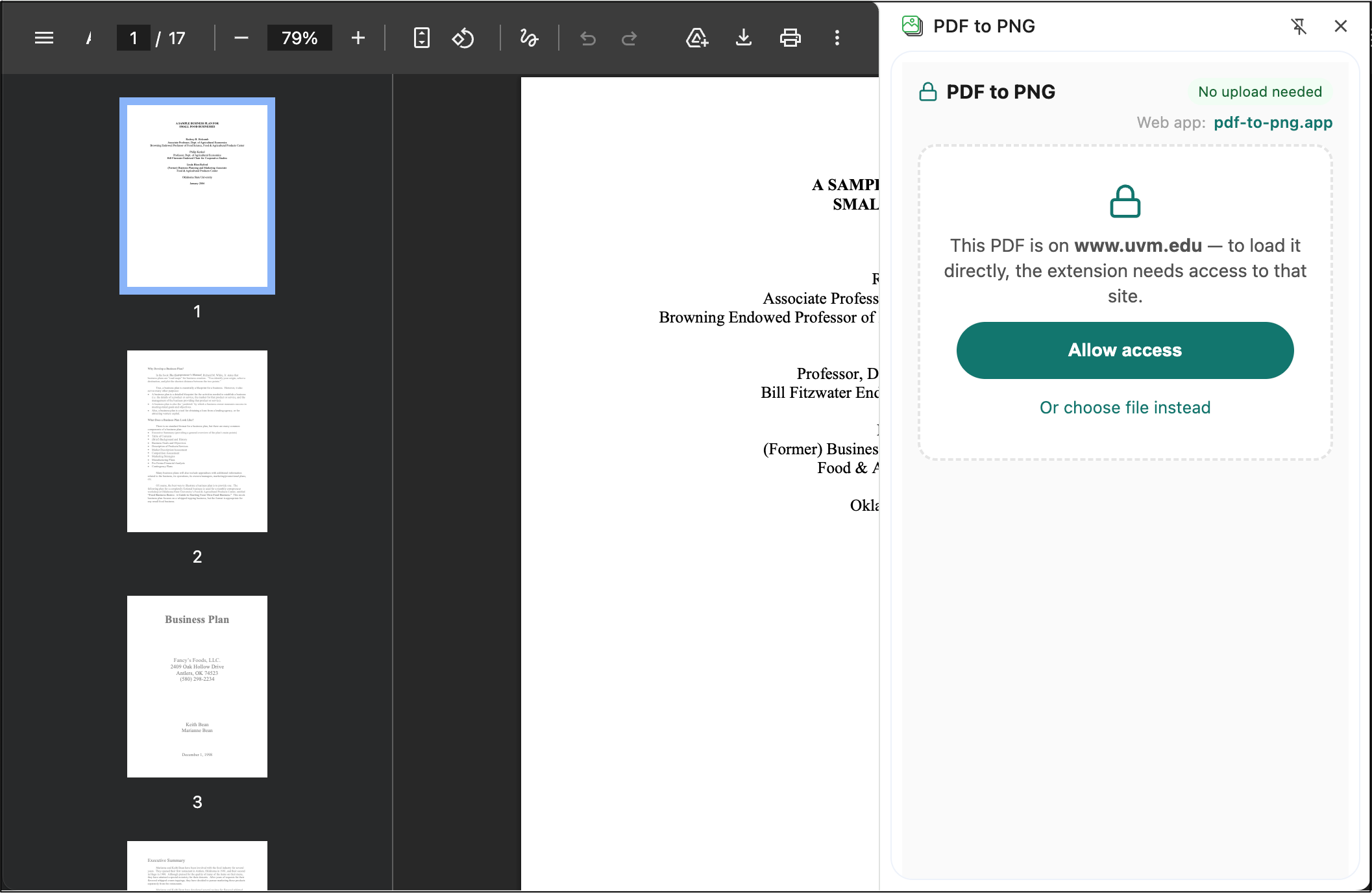
When loading a PDF directly from a site, the extension asks for origin access only for that site.
Key Features
- No uploads by design: PDF rendering happens on-device. There is no backend that receives files.
- Two surfaces, one product: Same conversion flow on the website and in a Chrome side panel.
- One-click per page export: Open a PDF, preview pages, save PNG files instantly.
- Pixel-width control: Pick output width directly instead of guessing DPI.
- Works for real workflows: Useful when portals accept images but source documents come as PDFs.
Who It’s For
- Professionals who need quick PDF-to-image conversion without handing files to third-party servers.
- Developers who care about privacy-by-architecture and practical browser engineering.
- Power users who want a focused tool instead of heavyweight editor suites.
Technical Approach
Built as a TypeScript monorepo with a shared core package used by both web and extension. Rendering is powered by pdf.js plus Canvas PNG export. Early stress testing on a 500-page PDF exposed high memory usage, and after render-pipeline cleanup plus explicit page cleanup, measured peak memory dropped from about 17 GB to about 1.7 GB in that scenario.
The extension stays privacy-friendly at install time by avoiding broad permanent tab permissions, and requests host access only when needed to load PDFs directly from active tabs.
Links
- pdf-to-png.app - web app
- Chrome Web Store - extension