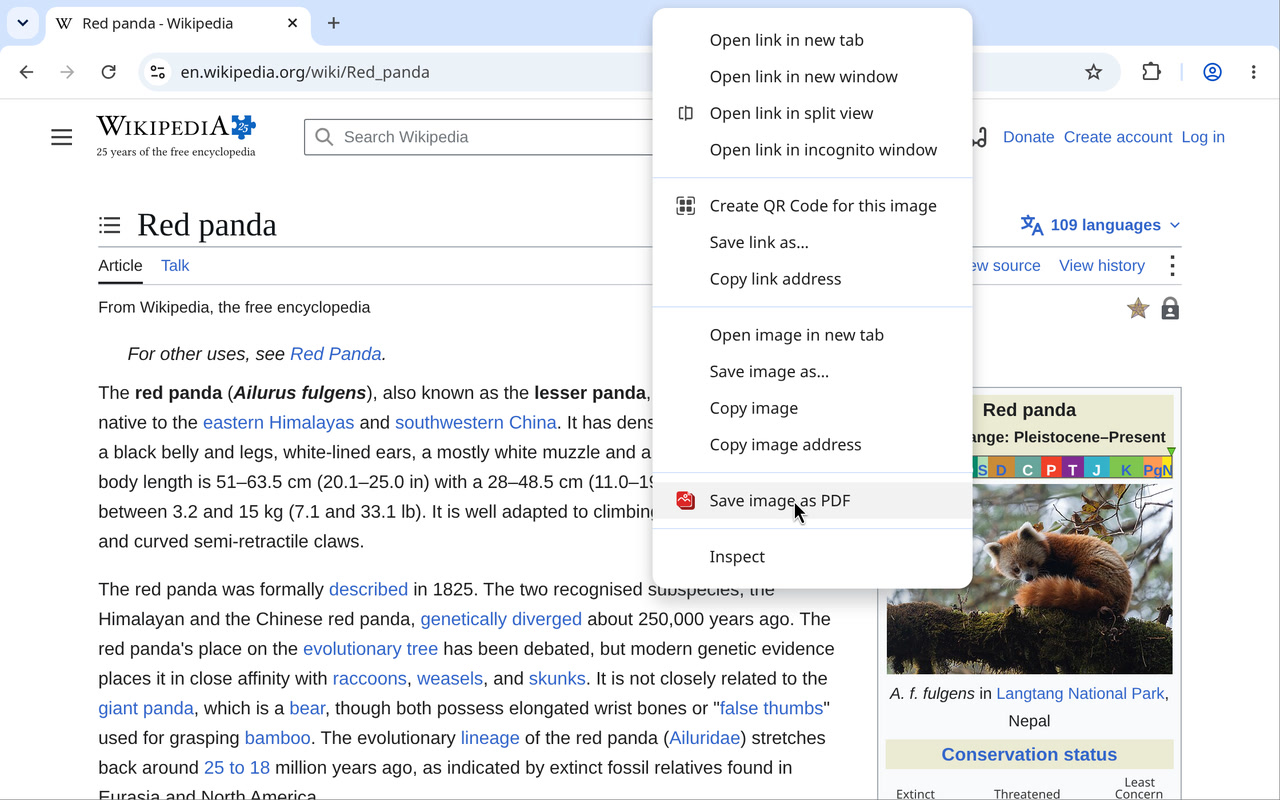
A Right-Click with a Memory: Why I Store a Counter in a Chrome Menu Item's id
My hobby projects are small Chrome extensions and little single-purpose websites. One of those extensions, PDF to PNG, unexpectedly climbed to first place in Chrome Web Store searches for “pdf to png” (well, most of the time), and nearly 500 people use it - which is amazing! Once PDF to images worked, I immediately wanted to do the reverse - images -> PDF, only better: right-click an image on any page, have an easy(!) way to adjust the settings, and do everything locally in the browser without uploading the images anywhere! I put all those lovely settings in the side panel. Except a regular user might never think to open it, and I did want them to know it was there, without pestering people who were happy with the right-click menu. So I’d show it sometimes (or until the user actually clicked something in the panel). Then I ran into a Chrome rule: you can only open the panel in response to a click, which, in a menu item click handler, means before the first await. And to show it sometimes, the extension needs to remember on each click how many times it has already shown it - but reading that from storage takes an await. The solution - store the counter right in the context menu item’s id! :) And here it is - Save Image as PDF. Right-click - and your image is already a PDF. Your browser does not support the video tag. ...